

Campervan Guides
DXF vs SVG vs DWG: Which File Does Your CNC Shop Need?

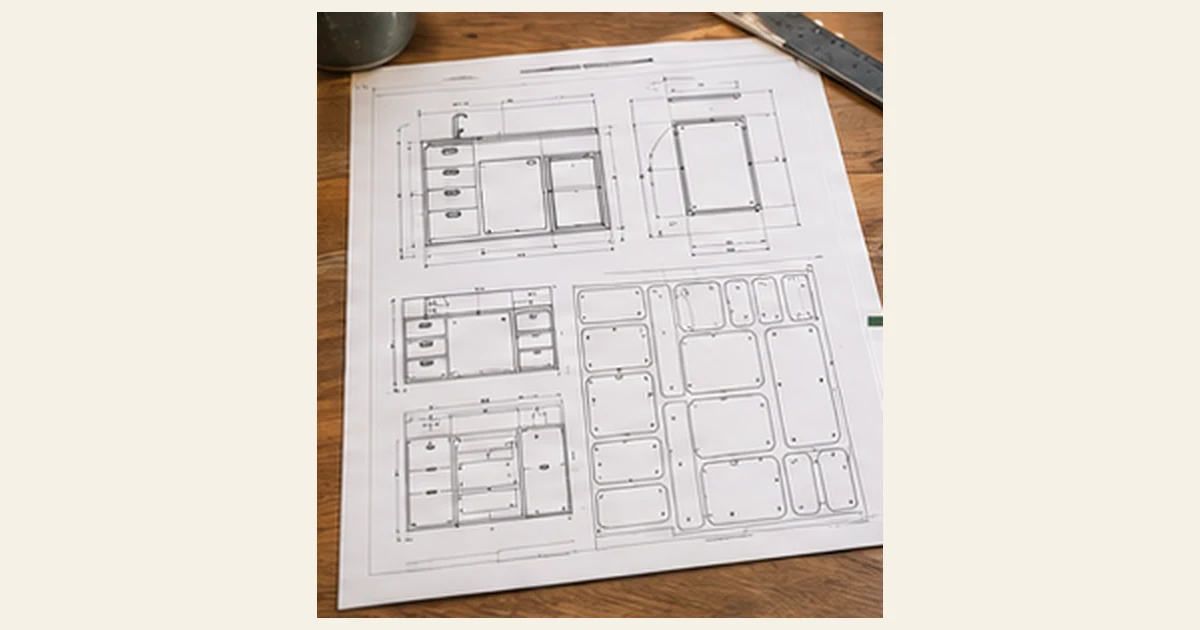
Three file types dominate CNC work. Knowing which one your shop wants saves a day of emails.
DXF: the common choice
DXF is an open exchange format for 2D drawings. Almost every CNC shop can open it, and most CAM programs import it. If your shop does not say otherwise, DXF is the safe default.
SVG: simple and widely supported
SVG is a vector format used for web graphics and laser cutters. Many CNC and laser workflows accept it. It stores shapes cleanly, but the units can be unclear, so confirm the scale before cutting.
DWG: the CAD native format
DWG is the native format of AutoCAD. Shops that work in CAD often prefer it. It can carry layers and more detail, but different software versions sometimes cause trouble.
Check units and scale
A drawing in millimetres opened as inches is 25.4 times too large. Ask the shop to check one known dimension on screen, such as the overall width of a panel, before they start cutting.
Layers and lines
Good files separate outlines, holes, pockets and engraved marks into layers. This lets the shop assign a different cutting depth to each layer. If your shop wants everything on one layer, tell us and we will help.
Ready to build? See the DoIt Camper Kitchen plan. Next guide: Best Plywood for Campervan Furniture: Thickness, Weight and Finish.


